Canvas runs your courses. A semester planner app runs your semester. Those sound like the same job, and that is exactly why the canvas vs semester planner app question comes up. They are not the same job, and once you see the line between them, the decision gets easy.
You already open Canvas or Sakai every day. You are not looking to leave it. You are trying to stop the feeling that something is due and you only half-remember it. So let's be plain about what each tool is built to do.
What Canvas and Sakai are built to do well
Canvas and Sakai are learning management systems. That means the school runs them. Your professor posts the syllabus, the readings, the assignments, and the grades. The official record lives there, and it should stay there.
They are genuinely good at the things the school needs:
- Holding the course materials the professor publishes
- Delivering announcements and assignment details
- Collecting your submissions
- Recording the grade the professor enters
When you want to know what a specific assignment is asking, Canvas or Sakai is the source. When you want to know the grade that counts, the professor's gradebook is the official record. Summit treats it that way, too.
What the LMS is not built to do is run your whole semester across classes. It is course-shaped, not semester-shaped.
What they leave you managing on your own
Here is the part nobody hands you a tool for. You have four or five courses, each with its own rhythm. One professor posts everything in August. Another adds assignments the week they are due. Two syllabi put exams on the same Thursday.
Canvas will tell you what is inside each course. It will not tell you what your week actually looks like across all of them. That math lives in your head, on a spreadsheet, or in a notes app you started in week two and abandoned by week five.
So you end up doing the work the LMS does not do:
- Re-reading four syllabi to rebuild one deadline list
- Guessing how heavy next week is before it lands on you
- Checking each course separately to see where you stand
- Cramming because nothing warned you that two exams shared a week
None of that is a Canvas problem. It is a gap between the tools you have and the question you are actually asking: what do I need to do this week, and am I okay?
How a planner layer fits on top without duplicating anything
A semester planner app is not a second LMS. It is the layer that sits above yours and answers the semester question.
Summit is built to sit on top of Canvas or Sakai, not replace them. Drop in your syllabus and Summit builds the plan. It syncs with your LMS, so you are not moving your courses anywhere or retyping your deadlines by hand. The professor's gradebook stays the official record. Summit is the calm view over the top of it.
Practically, that means:
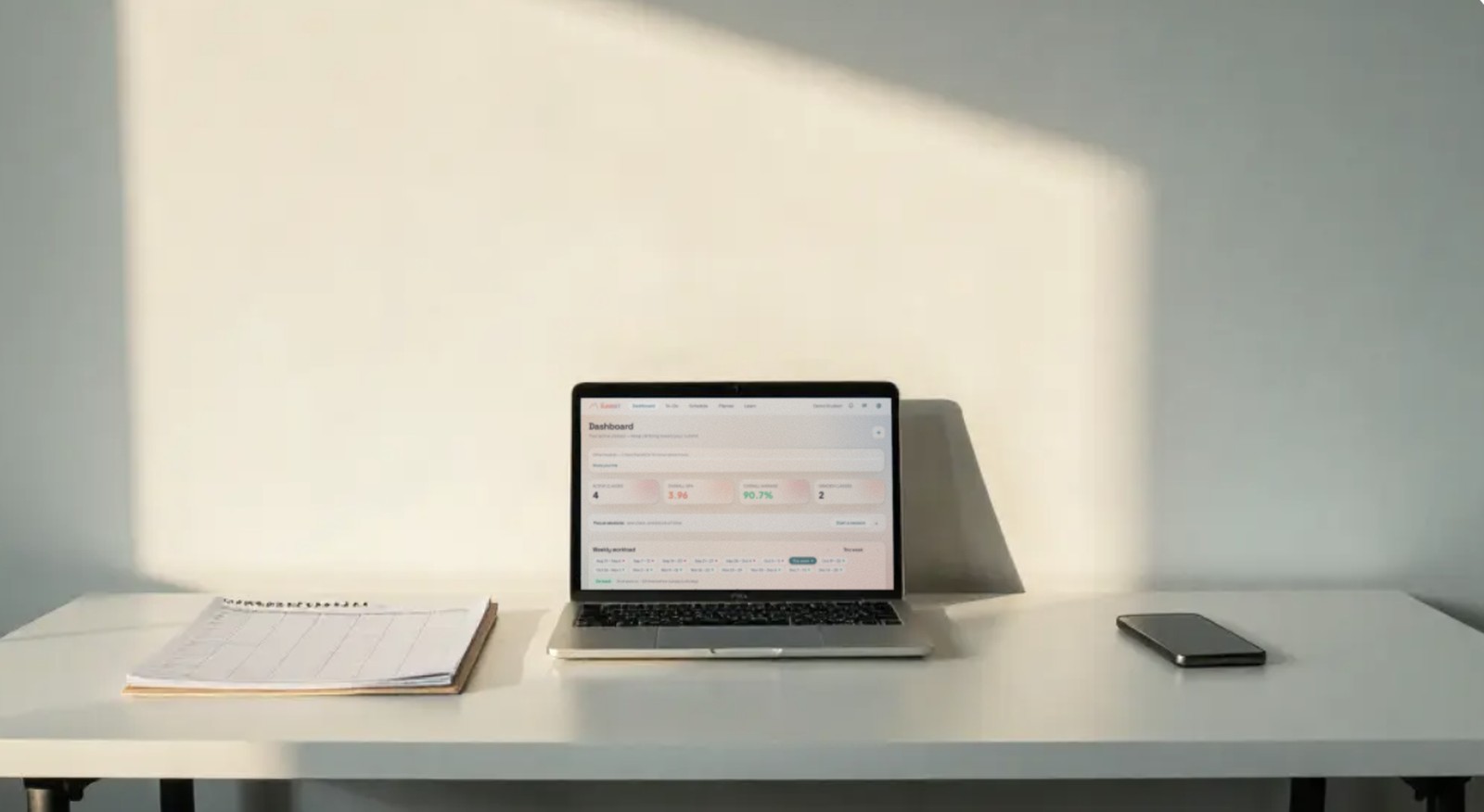
- One dashboard that shows what is due across every course, not one tab per class
- A weekly workload view, so a heavy Thursday shows up on Monday
- Flashcards and study next steps, so you know what to open when
- A grade simulator and GPA tracking, so you can see where you stand
Notice what is missing from that list. Summit does not estimate a grade it cannot know. If it is unsure, it says so. "Unsure" is an honest answer, and you should not trust a tool that pretends otherwise. It does not do your work for you. It helps you learn, and it hands you the plan. The thinking stays yours.
That is the difference in one line: Canvas knows your courses, and a planner knows your semester.
Which one do you actually need?
You need both, and you already have half of it.
Keep using Canvas or Sakai the way you do now. That is where your professor works, and nothing about Summit asks you to change it. Add a planner layer when the weekly math across four courses stops fitting in your head.
If you are not sure which side of the line you are on, ask yourself:
- Do I know what is due this week without opening four tabs?
- Did I see last week's crunch coming, or did it just arrive?
- Can I tell where I stand in each class without doing the math myself?
If those answers are no, the gap is not in your LMS. It is the gap a semester planner fills.
Start free and see your syllabus turn into a plan in a few minutes. You will know pretty quickly whether it earns a spot next to Canvas.
Nothing sneaks up on you. That is the whole point.