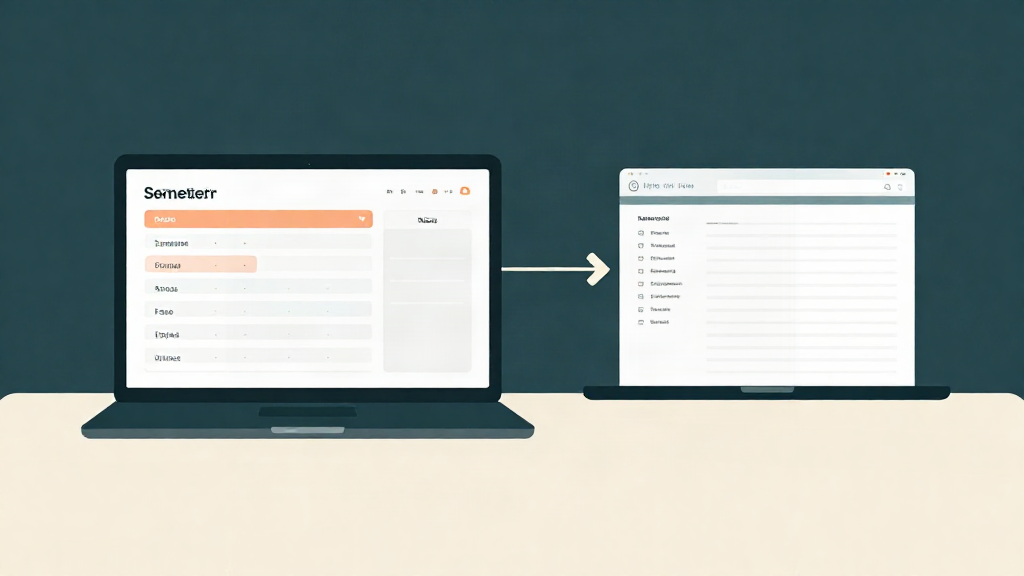
If your school runs on Sakai or Canvas, the first thing you want to know before you try any planner is simple: will it actually work with the system my classes already live in? You do not want a second place to check, and you do not want to re-type every assignment by hand. So here is the straight answer, and how it works in practice.
Does Summit sync with Sakai and Canvas?
Yes, through the calendar feed your LMS already gives you. Canvas and Sakai each publish a private calendar link for your courses. You paste that link into a class in Summit, and Summit pulls the due dates in and keeps them current when your professor moves something. You never give Summit your school password, and Summit never logs in to your LMS.
A few honest details, because you deserve them up front:
- Summit reads the dated items in your feed: assignments, quizzes, exams. It does not read your grades, your files, your messages, or anything behind your school login.
- Summit is a student aid, not a student replacement. It helps you see what is due and what to study next. It does not do your work, and it does not guess at your grades.
- Your professor's gradebook in Sakai or Canvas is always the official record. Summit shows what your own syllabus weights add up to, and it never overrides the source.
Which platforms Summit connects with
Canvas can also be connected directly from your own account, and Blackboard, Moodle, Brightspace and Google Classroom are supported too. Any LMS that gives you a calendar feed link also works. For the two most common at Loyola:
- Canvas, which publishes a calendar feed from your Calendar page.
- Sakai, used at schools like Loyola University Chicago, which publishes one from its Calendar tool.
- Most other major platforms, since calendar feeds are a standard format.
If your school's system does not offer a feed, you can still use Summit by dropping in your syllabus directly. It just means Summit will not pick up date changes on its own.
What stays in your LMS and what Summit handles
This is the part most planner apps gloss over, so here it is plainly. Think of it as two layers that work together.
What stays in Sakai or Canvas:
- The official gradebook, weighted exactly how your professor set it up.
- Course readings, files, quizzes, and anything locked to your school login.
- Announcements and anything your professor posts directly to the platform.
- The master version of every assignment and due date.
What Summit handles:
- Turning your syllabus and your synced due dates into a semester plan you can actually follow.
- A weekly workload view, so a calm week and a brutal week stop being a surprise.
- Flashcards and study tools built from your own class material.
- A grade simulator and GPA tracking based on the weights in your syllabus, without Summit ever claiming to know your real grade.
- One place to see every deadline across every course.
Nothing in Summit replaces your LMS. It sits beside it and answers the question your LMS does not: not just what is due, but what to do about it this week.
How to set up the sync in a few minutes
Setup is short, and you can undo it at any time.
- Create your Summit account. Start free.
- Drop in your syllabus. Summit builds the plan from it: dates, weights, exam windows.
- Copy your calendar feed link from Canvas or Sakai. In Canvas it is on the Calendar page under Calendar Feed; in Sakai it is in the Calendar tool's options.
- Paste the link into the class in Summit under LMS sync. Summit pulls the due dates in and matches them to what the syllabus already listed, so you do not end up with duplicates.
- Check your week. Open the weekly workload view, rearrange anything that looks off, and you are done.
If something in the feed does not match your syllabus, Summit shows you the gap instead of hiding it. LMS sync is free on every plan.
Questions students ask before they sync
Will Summit replace Canvas or Sakai? No. Your LMS stays exactly where it is. Summit reads the due dates it publishes and helps you plan around them.
Does Summit know my grade? No. Summit does not read your LMS gradebook. It shows what your own entered scores and syllabus weights add up to, and it never estimates a final grade. Your professor's gradebook is the record.
What if my school is not on Sakai or Canvas? If your LMS offers a calendar feed, it works the same way. If it does not, add your syllabus and courses directly.
Is my data safe? Summit never asks for your school password. The feed link is private to you, Summit only reads the dated items in it, and you can remove it from your class at any time.
How much does it cost? Start free; the current plans are on the pricing page.
The short version
Does Summit sync with Sakai and Canvas? Yes, through the calendar feed your school already gives you. It reads the due dates your professors post and turns them, with your syllabus, into a plan you can follow. Your LMS stays the official record: grades, files, and course content all stay there. Summit just makes sure nothing sneaks up on you.
If you have been putting off a planner because you did not want another thing to maintain, this is the part that changes. Paste the link once, and let Summit show you what this week actually looks like. Start free, and keep your semester in one calm place.